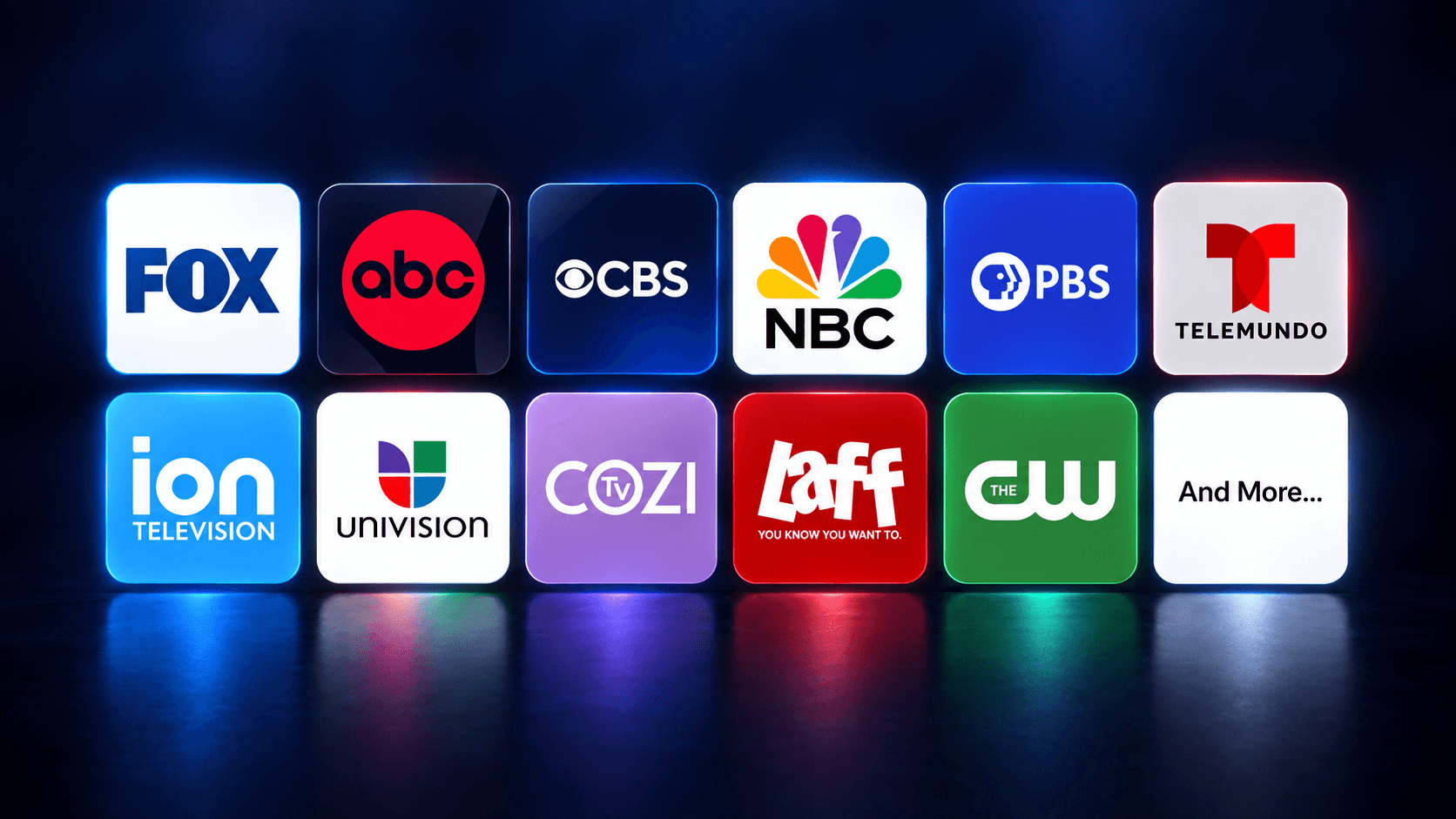
Live local TV
Watch local TV channels without cable
Local news. Big games. The shows you love. Watch free local TV channels with an antenna, or connect a compatible home hub to stream them on supported devices at home. Check which broadcast channels are available in your area.
Check availabilityLocal stations may include ABC, CBS, NBC, FOX, PBS and more. Availability varies by location and reception.
01
Check local channels
See which broadcast channels may be available at your address before you choose equipment.
02
Choose your setup
Watch local channels with a free TV antenna, or a whole-home hub to share them around your home.
03
Make it your own
Connect your equipment, scan for channels and follow the setup guide to start watching local TV.
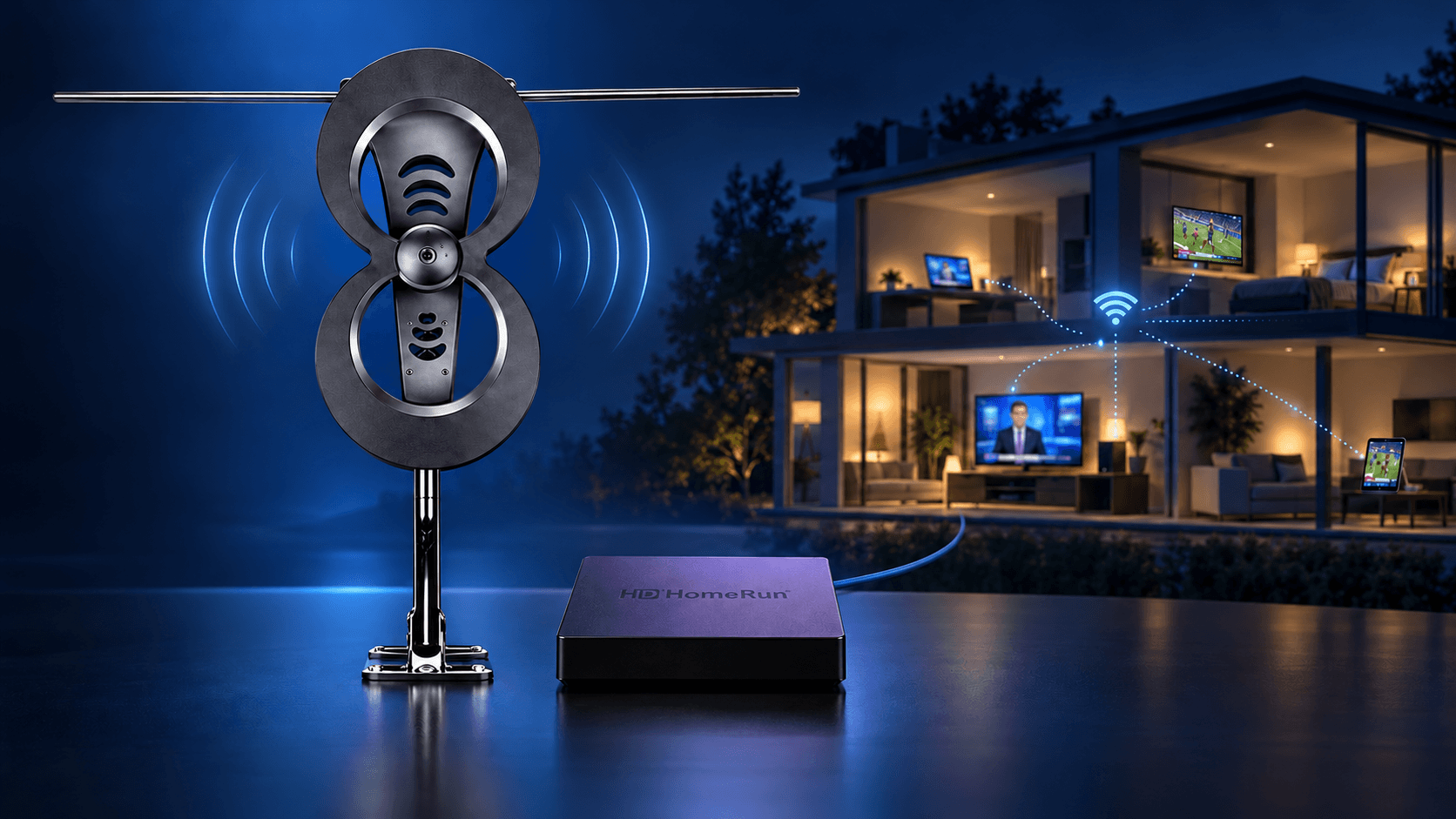
Local TV on all your devices
Go big with a whole-home hub for local TV.
Bring the local TV channels your antenna receives to compatible TVs, phones and tablets around your home. Connect an antenna and compatible home hub to watch local news, broadcast sports and favorite shows through FreeCast. Explore DVR options for recording the broadcasts you receive.
01Connect your devices
Add 50+ FREE Live Local Channels on all the devices in your home.
02Catch the game
Watch sports carried by the local broadcast stations you receive, along with local news and entertainment.
03Never miss an episode
Explore recording options for your local broadcasts. DVR features and any storage or subscription requirements depend on your equipment and setup.
Compatible antenna, home hub, home network and supported devices required. Reception, simultaneous viewing and recording capabilities vary by setup.
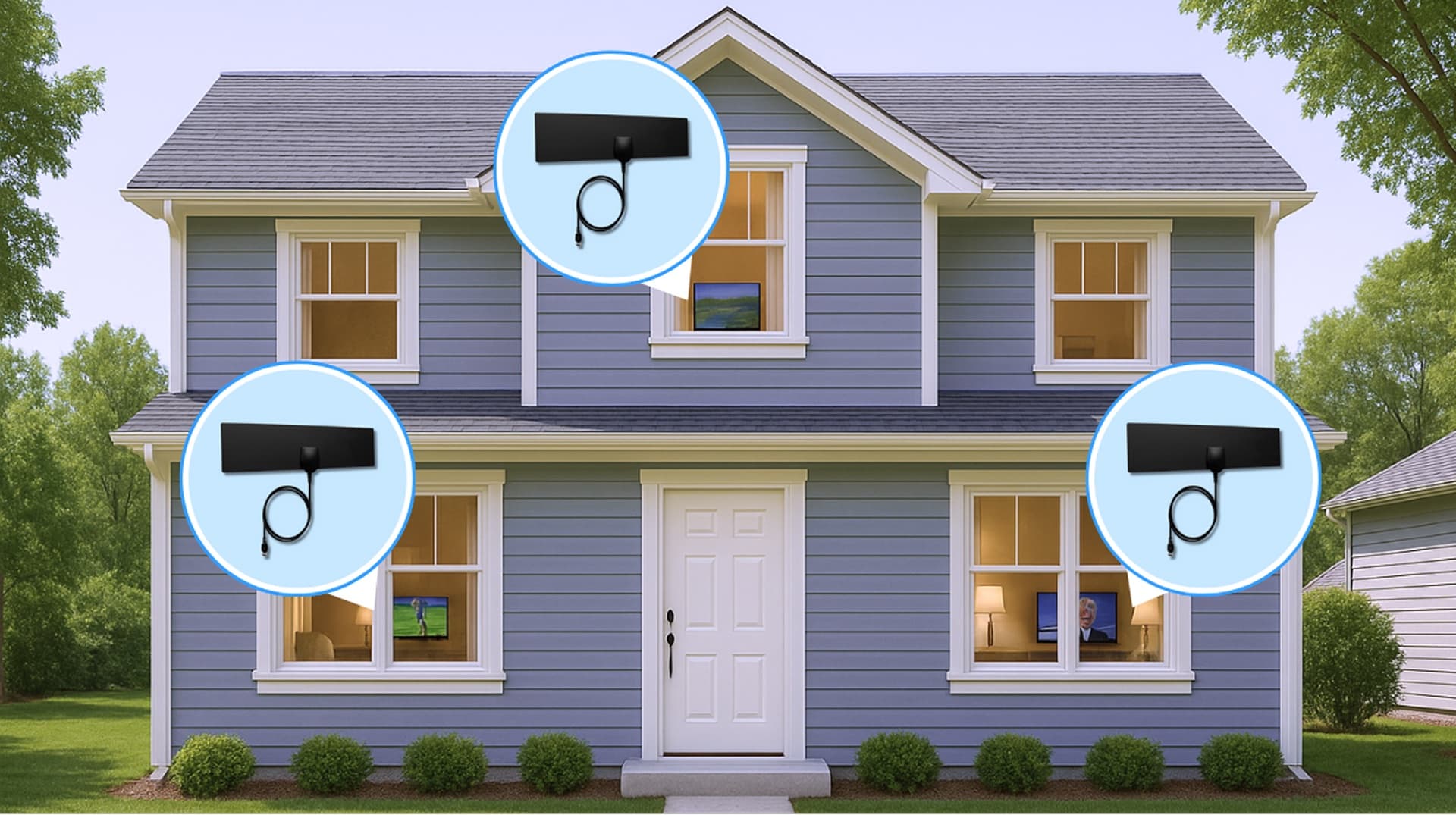
Free antenna
Or keep it simple, add a free antenna.
Connect a free TV antenna to one compatible TV to receive local broadcast channels without a cable subscription. The antenna is free; shipping and handling apply.
01Get a free antenna, on us
Enjoy your locals channels with a FREE antenna- our gift to you!
02Plug into your TV
Connect the antenna to your TV’s antenna input. Follow the included setup instructions.
03Start watching instantly
Run a channel scan, then select your TV’s antenna input to watch your local channels.
A compatible TV with a broadcast tuner and suitable antenna reception are required. This setup plays through your TV’s antenna input. A home hub is needed to share broadcasts through FreeCast on other supported devices.
Ready when you are
Ready to watch local TV? Get your gear!
Start with an antenna for one TV, or add a compatible home hub to stream local channels through FreeCast around your home. Check reception first, then choose the equipment that fits how you want to watch.
01
Get an antenna
Receive free over-the-air local TV channels without a monthly broadcast subscription.
02
Connect to a box
Connect your antenna to a home hub and network to share local channels across all your devices.
03
Download FreeCast
Download the FreeCast app to unlock your local channels on all your devices—no extra fees.
Your next watch is waiting.
Get started freeFrequently asked questions